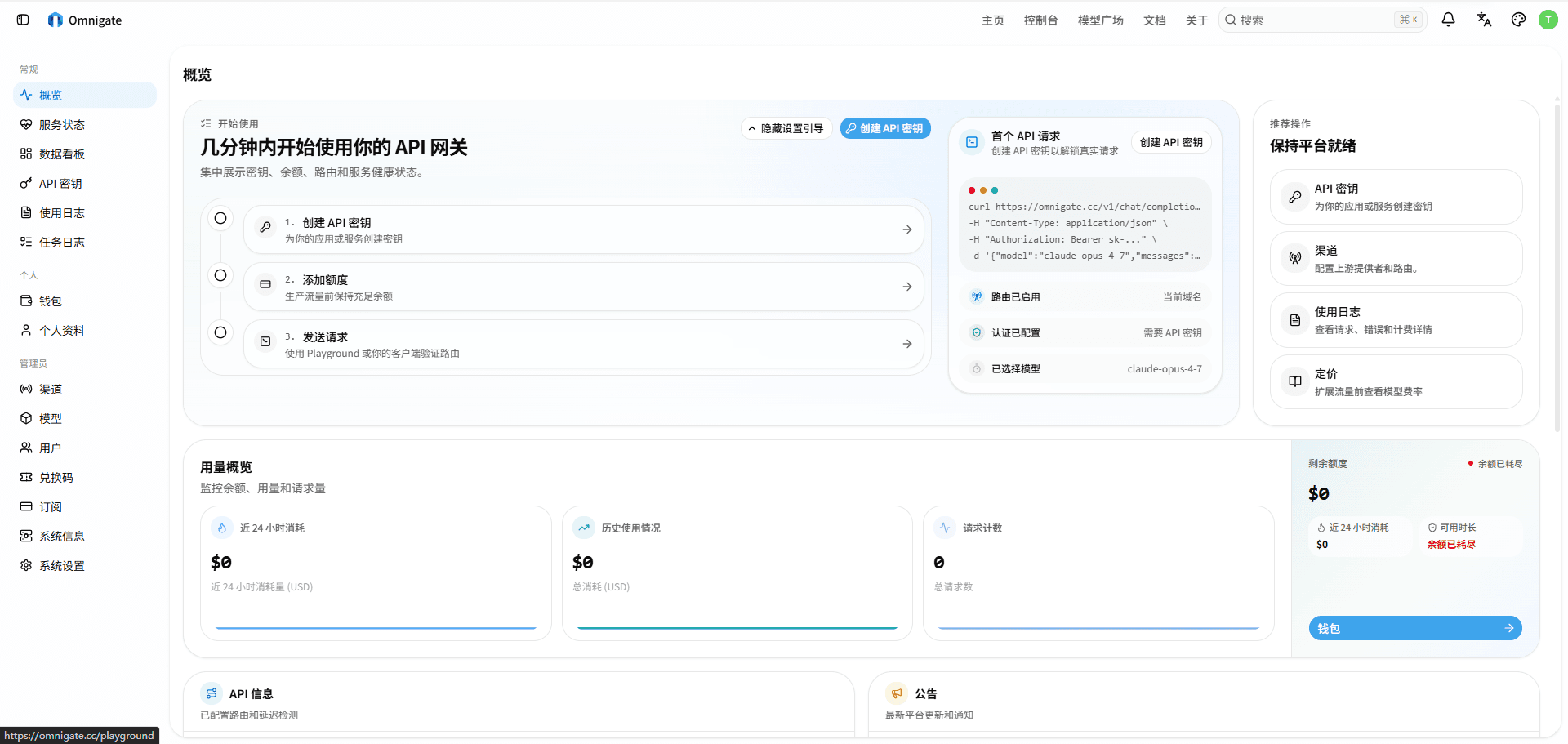
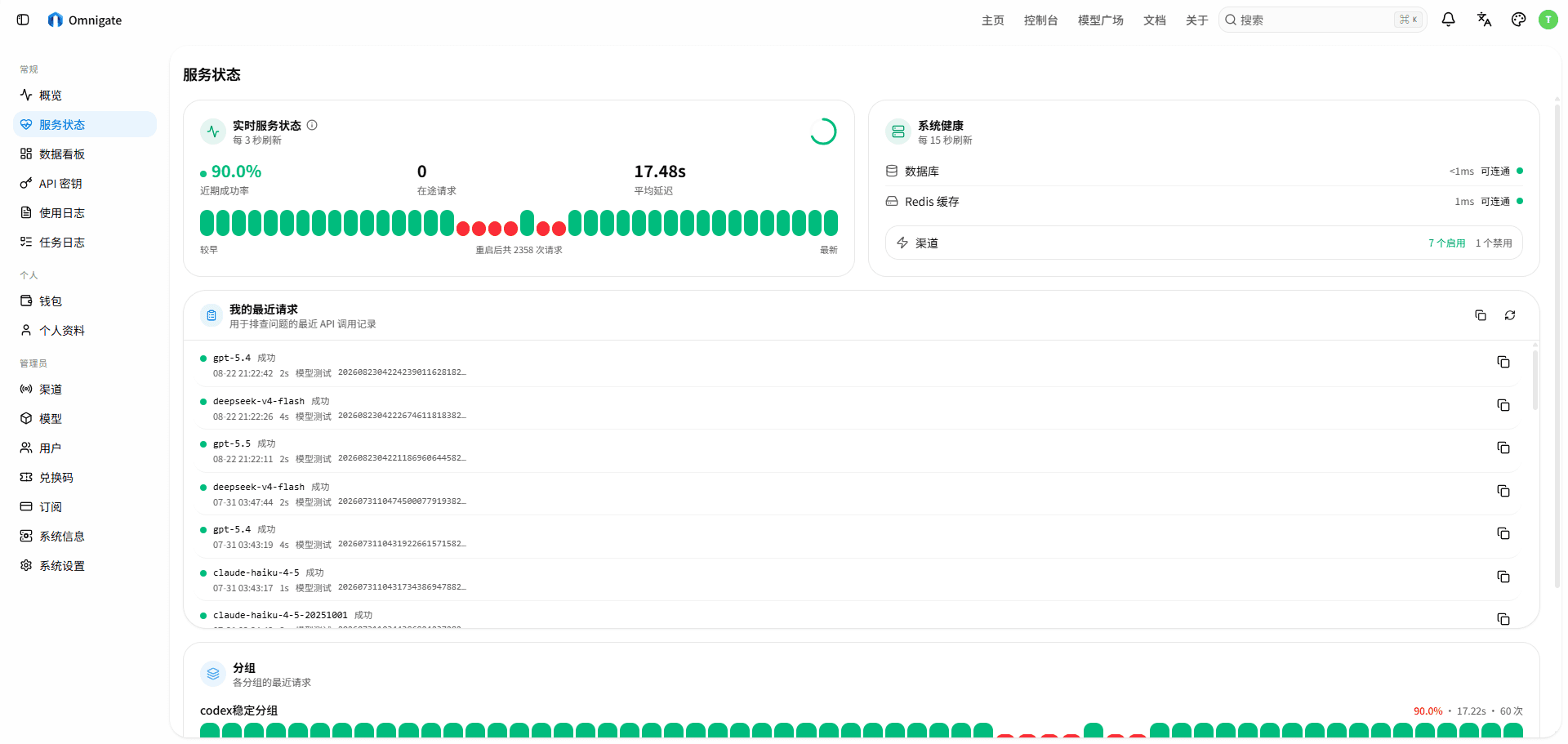
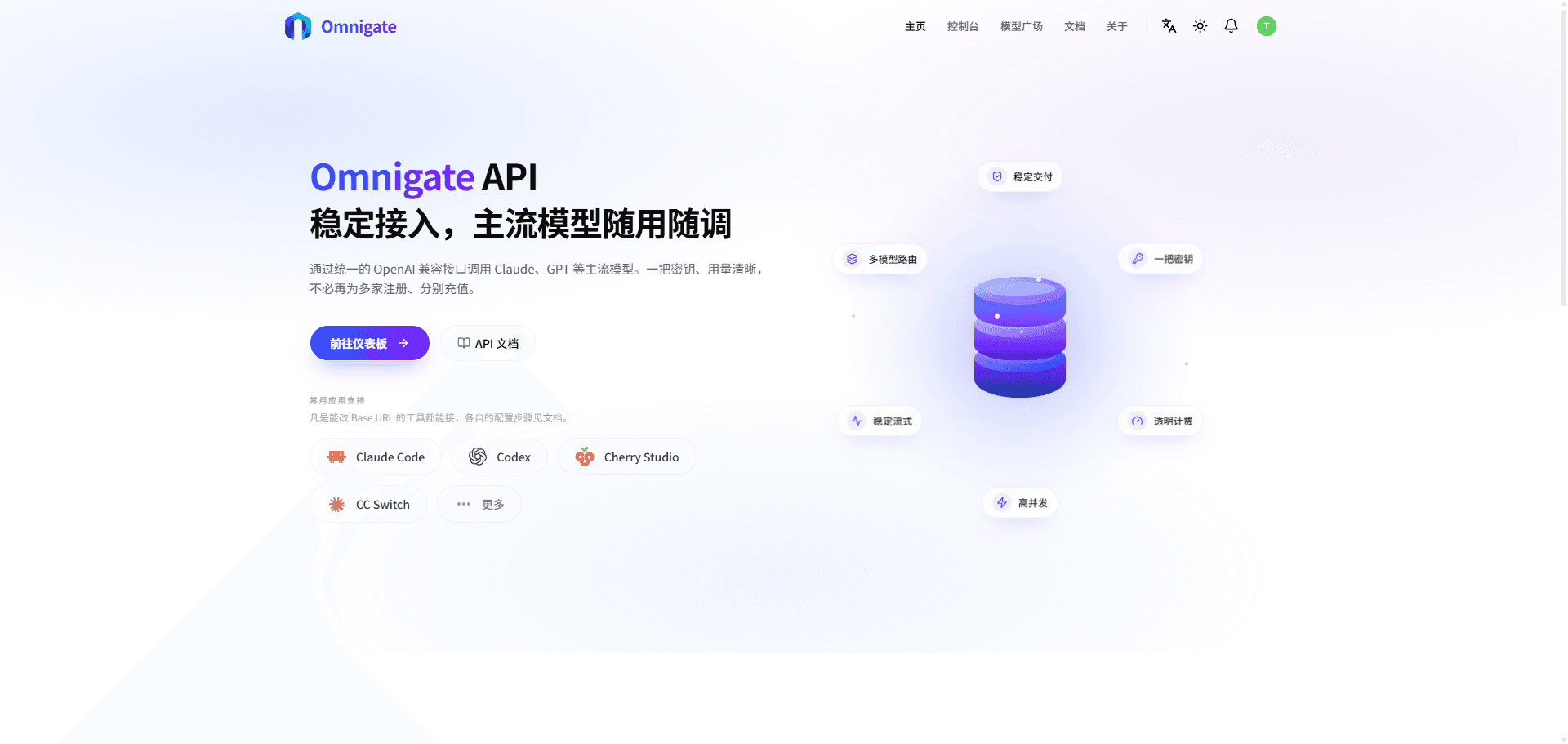
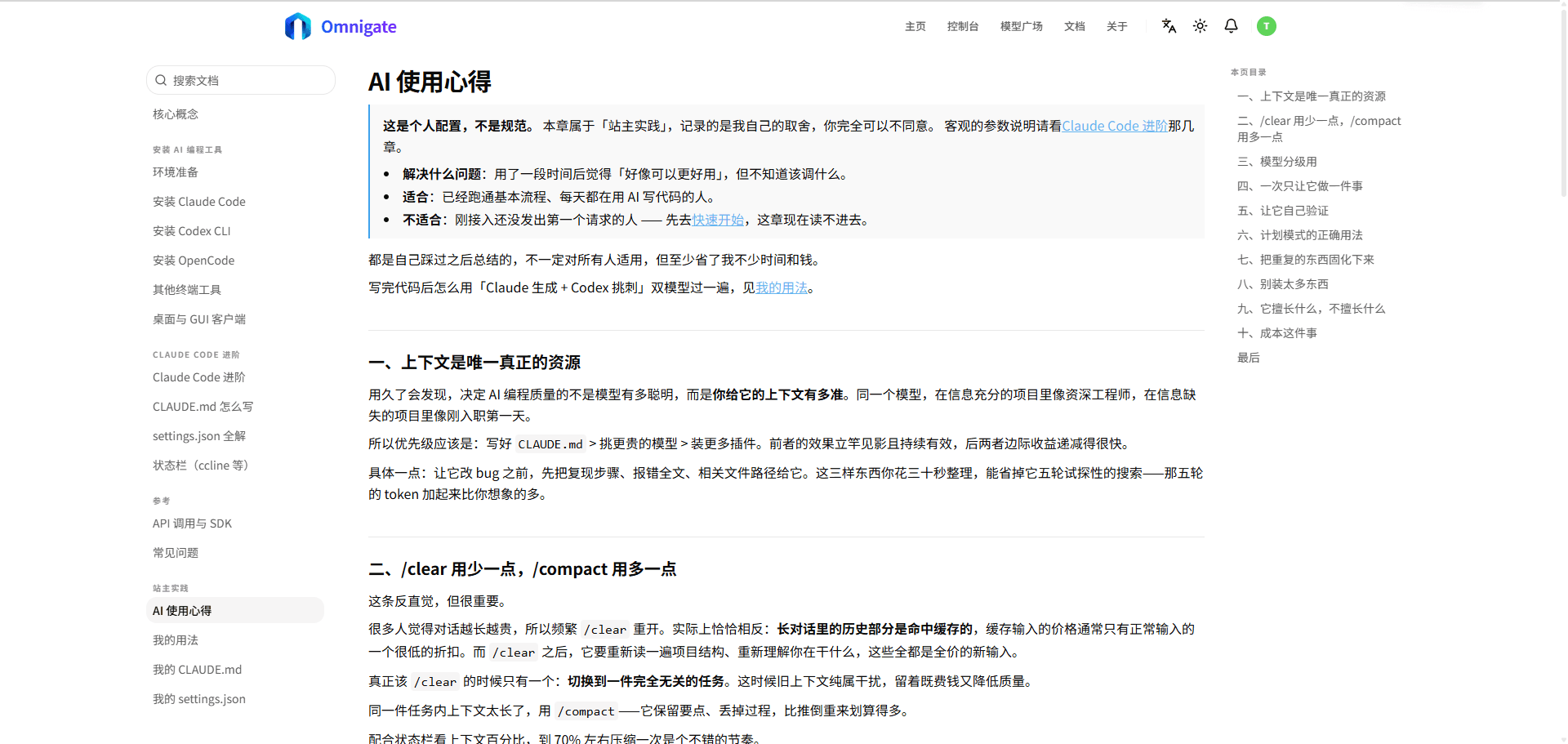
01 / 04Dashboard overview
01Overview
Omnigate is based on the open-source new-api project. Protocol adapters, usage tracking, billing, and user management come from upstream. The custom work covers branding, review of default and security settings, and deployment and operations for a single server.
02Project context
Self-hosting the gateway means handling HTTPS, streamed responses through the proxy, the database, and the cache. Secret configuration and backups also need a defined place in the deployment process so it can be repeated when the service is updated.
03Implementation
Docker Compose builds the application from source and runs it alongside Caddy, PostgreSQL, and Redis. Caddy handles HTTPS with response buffering turned off for streaming. The repository includes environment variable templates, a database backup script with retention settings, and deployment notes.
04Current results
The service is deployed at omnigate.cc. OpenAI-compatible clients can use its base URL and an issued token to call different models. The repository records how the service is configured, backed up, and updated.
05Lessons learned
This project provided practice in reading an existing Go and TypeScript codebase and limiting custom changes to a maintainable scope. Deployment work covered proxy buffering of streamed responses, HTTPS, PostgreSQL, Redis, and backups during upgrades. It also required license review and documentation of upstream features and custom changes.
06Project details
- Build from source and deploy with Caddy, PostgreSQL, and Redis using Docker Compose
- Automatic HTTPS and unbuffered streamed responses
- Back up the database and remove old backups according to the retention setting
- Documentation distinguishes new-api features from custom changes
Next project
More projects