Tech & tools
Technologies and tools.
Technologies explored in my studies and projects, spanning AI applications, frontend and backend development, and deployment. Project pages explain which technologies were used and how.
Categories
Drag to rotate, click a category to view
By category
Categories
AI Engineering
Model API integration, RAG applications, and agent workflows.
- LangGraph
- LangChain
- RAG Systems
- Agentic Workflows
- PyTorch
- Hugging Face
- Fine-tuning
- Ollama
Frontend
Responsive interfaces with React and Next.js, including interaction feedback and keyboard navigation.
- React
- Next.js
- TypeScript
- Tailwind CSS
- Vite
Backend & APIs
APIs, database integration, and streaming responses, with clear responsibilities for easier maintenance.
- Node.js
- Python
- FastAPI
- PostgreSQL
- Redis
- Prisma
- Supabase
Data & Analytics
Data processing and analysis with SQL and Python, alongside my Analytics studies at USC.
- SQL
- pandas
- NumPy
- scikit-learn
- Tableau
- Jupyter
- R
Cloud & DevOps
Application deployment, environment configuration, and log-based troubleshooting, including maintenance after launch.
- AWS
- Google Cloud
- Vercel
- Docker
- Kubernetes
- GitHub Actions
- Cloudflare
- Linux
Forward Deployed
Studying requirements analysis and system integration, connecting technical approaches to actual usage workflows.
- Customer Discovery
- Solution Architecture
- Systems Integration
- Security Reviews
- Technical Writing
- Bilingual Communication
- Enablement & Training
How I work
AI-assisted development.
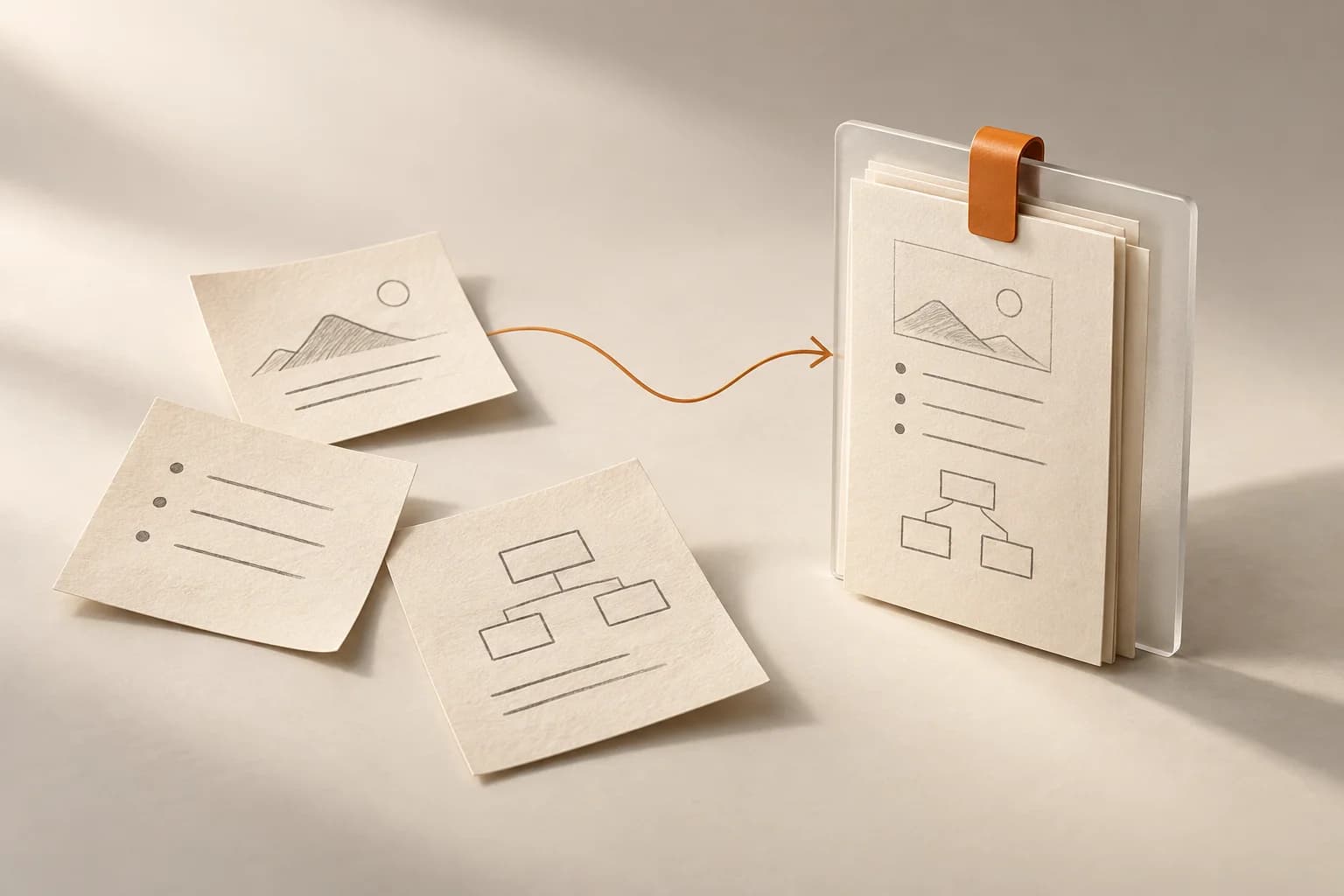 01 /
01 /Clarify the task and context
Review the requirements and relevant code, then confirm the scope, constraints, and expected result before implementation.
Read about task structure 02 /
02 /Check the basis of a review
Check review comments against the code and use case, considering the impact, reproduction conditions, and priority of each issue.
Explore the As-a case 03 /
03 /Keep changes scoped
Organize changes around the current requirement. Handle extra refactoring and new features separately to keep review and verification manageable.
Explore Omnigate customization 04 /
04 /Document project conventions
Record recurring issues, necessary constraints, and verification steps in project documentation, updating it as the implementation changes.
Read development notes
Toolbox