Structured thinking: make the task clear
Use a customer feedback example to organize information, write rules, and check the result. Then save the method as a reusable knowledge base note.
On this page13 sections

Before handing a task to AI, write down what it should work on and the steps it should follow. Once the process works, save the materials and method in a knowledge base so you can use them again.
This article uses one customer feedback example to practice both. The examples are for teaching and have not been validated in an actual business. Replace the materials and rules with your own when you use them.
Separate the information from the workflow
Structuring information means organizing it into consistent fields. For each piece of customer feedback, for example, record the customer's original words, the product version, the issue category, and the next step. Consistent records are easier to find and compare.
Defining a workflow means writing down the order of operations and the conditions that affect it. For example: read the feedback → extract information → classify it using the rules → create a ticket → check it. If the product version is missing, mark the ticket as "needs clarification" first.
Together, these describe what needs processing and how to process it.
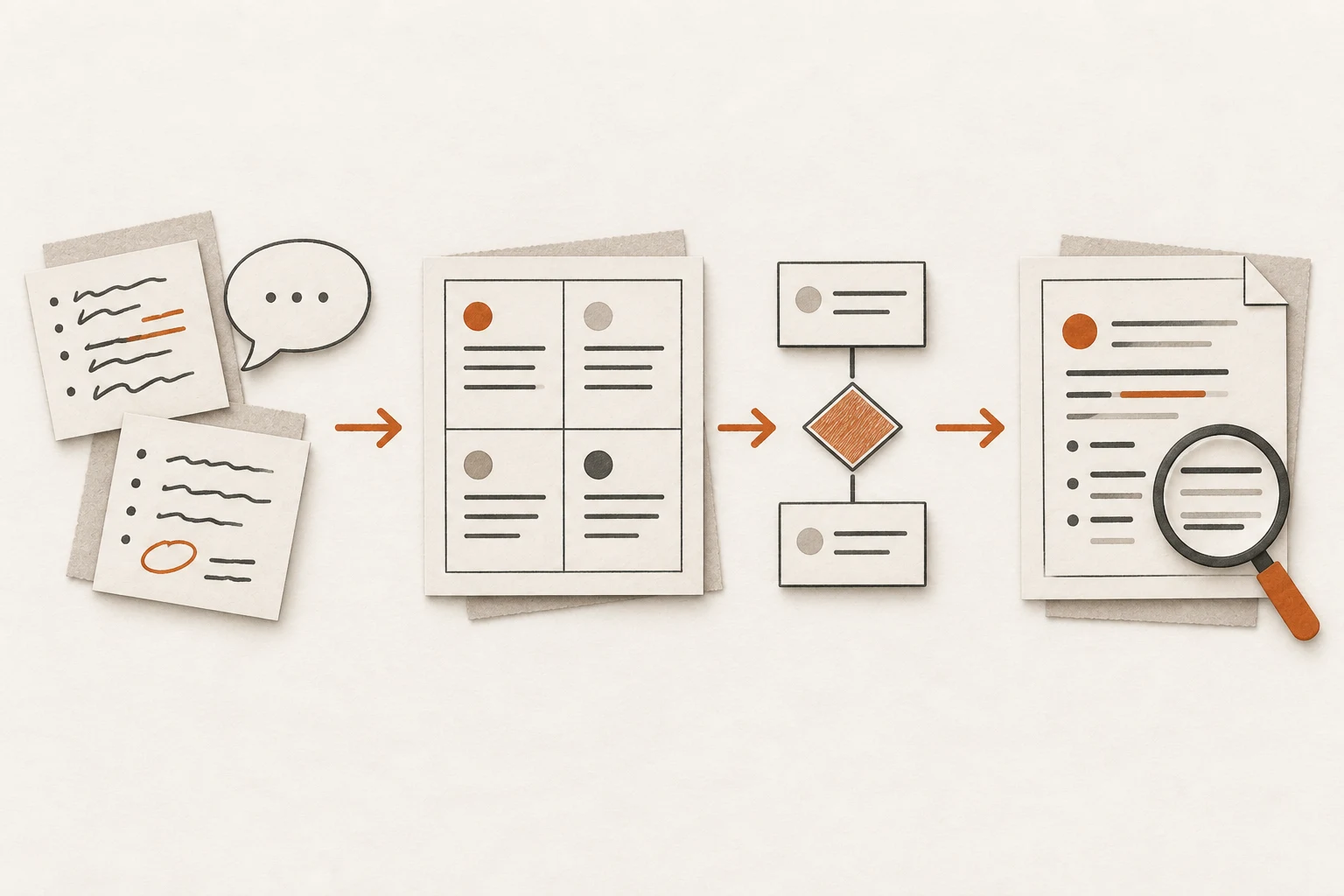
AI also needs access to the relevant materials. To operate a business system, it needs suitable tools and permissions. Start with a single trial task.
Turn customer feedback into a draft ticket
1. Define the result and prepare the materials
You could describe the task like this:
Turn today's customer feedback into draft tickets for the person responsible to review and assign.
Prepare the customer's original words, product documentation for the applicable version, and handling rules that have already been confirmed.
Here is the customer's message in this example:
"Exporting last month's records keeps timing out. I need them for Friday's review."
The customer has not provided the product version or the exact steps they took.
2. Decide what to record for each piece of feedback
Choose four fields, then ask AI to fill them from the original message:
| Field | Entry for this example |
|---|---|
| What the customer said | A monthly export times out; the records are needed for Friday's review |
| Information provided | The export feature is involved; the customer reports that the operation failed |
| Missing information | Product version, steps taken, and a screenshot of the error |
| Original source | This customer message; retain the record ID or link when handling a real case |
This is the information structure. Use the same four fields for each piece of feedback, and do not invent anything the customer did not say.
3. Write the rules and the order of operations
This example starts with two rules:
- If the version is missing, or the documentation does not match the customer's situation, mark the ticket as "needs clarification."
- If the version supports the feature but the customer reports a failed operation, you may mark it as a "suspected fault" and investigate further.
The workflow is: read the original message → fill in the fields → apply the rules → generate a draft → have the person responsible review it.
The version is missing in this example, so the ticket starts at "needs clarification." There is not enough information yet to determine the cause.
4. Specify the output and check the result
Ask AI to produce a ticket like this:
Issue: The customer reports that a monthly export times out.
Status: Needs clarification.
Reason: We cannot yet confirm that the product documentation matches the customer's version.
Information needed: Product version, steps taken, and a screenshot of the error.
Next step: Collect the missing information, apply the rules, and send it to the person responsible for review.
Source: The record ID or link for the customer's message.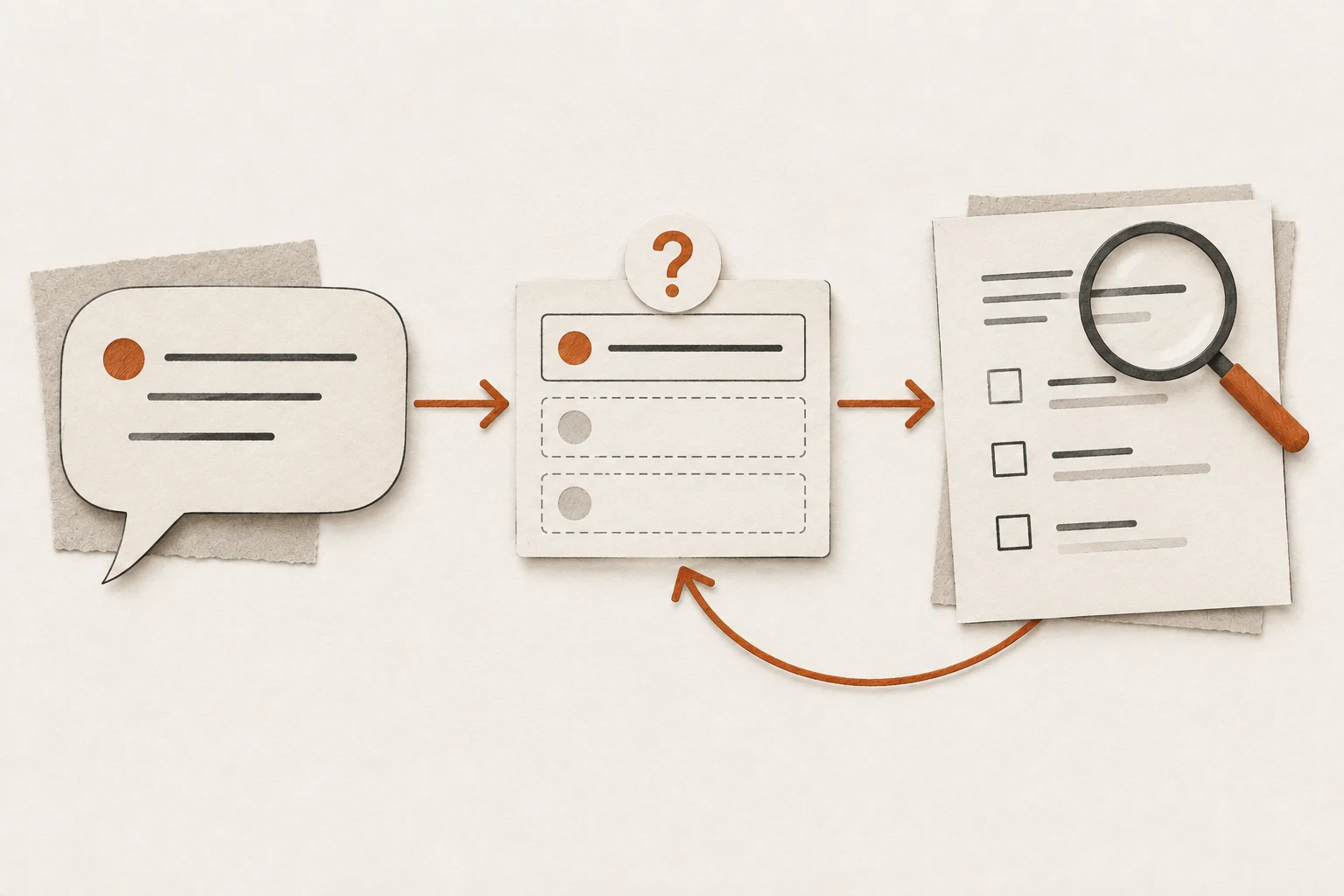
Check each result against these points:
- Every piece of feedback has a corresponding result; none is missing.
- Each judgment can be traced to the customer's words or the product documentation.
- Missing information is marked, and the draft does not claim the issue has been resolved.
Get this one example working before trying more feedback. If the result is wrong, revise the relevant materials, rules, or steps.
Save the method in a knowledge base
A knowledge base should help you answer questions or complete work. You can turn the method above into a note.
1. Decide which question the note answers
Write down a specific question:
When a customer reports an export timeout, what information should we collect first?
Use that question to set the title and scope. Start with one clear question per note.
2. Record the method and retain the evidence
The note could look like this:
Title: What to collect first after an export timeout report

Purpose: Organize customer feedback for review by the person responsible.

Method:
1. Keep the customer's original words.
2. Collect the product version, steps taken, and a screenshot of the error.
3. Check the documentation for the applicable version and generate a draft ticket.

Source: The sample feedback in the first exercise of this tutorial.
Status: Teaching example; not yet validated in an actual business.
In a real note, replace the source with the original link or file location. Update the status after verification; do not turn an initial judgment into a settled conclusion.
3. Add the note to a directory and link the relevant materials
For example, place it under "Work methods → Customer feedback" and add an entry in that group's directory.
If another topic needs the same note, link to that note. When it mentions a case or a product document, link to the corresponding material too.

Here, a "knowledge unit" is a note that answers a specific question. An "index" is a directory, and "relationships" are links between related notes.
4. Test the note with a question
Ask again: "What should we collect first when an export times out?"
Check whether you or AI can:
- Find the note.
- Understand when it applies and which steps to follow.
- Find the original evidence and see which parts remain unverified.
If any of these fail, improve the title, steps, source, or status. Update the note when its source materials change.
A task template you can fill in
Fill in these six fields to create a basic task brief.
What I want to complete:
Materials I will provide:
Information to record:
Rules and order of operations:
What the result should look like:
How to check the completed work:
Add this instruction:
If essential information is missing, list what is missing instead of guessing. Deliver the result for my review first. Follow my explicit authorization for any steps that operate a system.
For the customer feedback task, the completed brief would be:
Goal: Turn today's customer feedback into draft tickets.
Materials: Customer messages, product documentation, and confirmed handling rules.
Information: The customer's words, known information, missing information, and source.
Steps: Read → extract → classify using the rules → generate drafts.
Output: Issue, status, reason, missing information, next step, and source.
Checks: Each message has a result, each judgment has evidence, and missing information is marked.
Try it with one of your own tasks
Choose something you do regularly. Write a task brief using the template and let AI try it once.
Check the result and revise any unclear instructions. Once the method is stable, save it as a knowledge base note. Get that one task working before adding more rules and detail.
To delegate the assignment to a separate conversation, continue with DSH Session Conductor's task and result-return workflow and use this brief as its initial instruction.
For reading material and organizing study notes, see Conuo's source questions and knowledge-page review workflow and make source scope, verification, and saving explicit steps in the brief.
End of article

Keep reading